
Track Local Competitors Free: Reviews, Photos & Posting
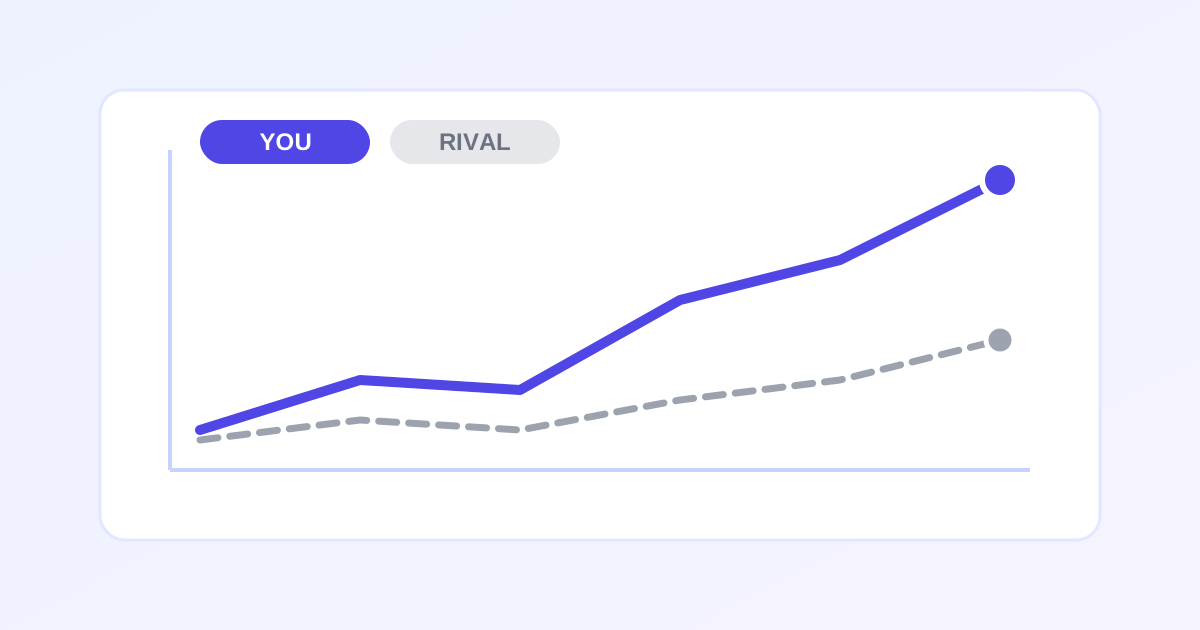
You cannot outrank competitors you do not understand. The free Competitor Tracker from ZeroFee Tools turns vague worry into a concrete scoreboard: add up to five local rivals, log their public signals (rating, review count, photos, categories, posting frequency), and get a side-by-side comparison plus gap-analysis tips showing exactly where you are behind. Note: this is manual tracking of public data, which keeps it honest and free forever.
How do I track my local competitors for free?
Add up to five competitors to the Competitor Tracker and record their public Google Business Profile signals: star rating, review count, photo count, categories, and how often they post. The tool lines them up side by side so you can see at a glance where a rival outguns you and where you lead.
Re-log the numbers monthly to spot momentum shifts before they cost you customers.
What is a local SEO gap analysis?
A gap analysis compares your Google Business Profile against competitors on the signals that drive local rankings: review volume and velocity, photo freshness, category coverage, and posting cadence. The gaps you find become your to-do list: ask for more reviews, refresh photos, or start posting weekly where rivals already do.
Fix the biggest gap first, since one signal rarely decides the local pack alone.
One important honesty note: this is manual tracking, not scraping. You read the numbers off public listings (Google Maps, mostly) and log them yourself. That keeps it free, legal, and TOS-safe - and a 10-minute monthly update is all it takes. Everything saves to your browser's localStorage.
How to use the Competitor Tracker in 5 steps
- Add your business baseline. Start with the “Your business” section so every comparison has a reference point - your current rating, review count, photo count, categories, and posting frequency.
- Add up to 5 competitors. Hit “+ Add competitor” for each local rival worth watching. Five slots forces you to pick the ones that actually compete for your keywords, not every business in town.
- Log their public signals. For each competitor, record rating, total reviews, photo count, business categories, and how often they post. Pull the numbers straight from their public Google listings.
- Read the side-by-side comparison. The comparison table lines up every metric across you and all five competitors - gaps jump out immediately.
- Work the gap analysis. The “Gap analysis” section translates the numbers into prioritized tips: which deficits to close first for the biggest ranking impact. Update the logs monthly to watch trends.
5 practical tips
- Review velocity beats review totals. A competitor with 200 old reviews is less threatening than one gaining 15 a month. Log counts monthly and watch the trend, not just the number.
- Count the photos. Photo count correlates strongly with listing engagement, and it's the easiest gap to close - a phone and a weekly habit beat a competitor's two-year-old gallery.
- Match categories exactly. If rivals rank for a service you offer but your categories don't include it, that's a five-minute fix with outsized impact. The tracker makes the mismatch obvious.
- Posting cadence is the cheapest win. Most local businesses post nothing. One Google post a week puts you ahead of 90% of competitors in the tracker - and it's free.
- Log on the same day each month. Consistent timing turns your logs into a trend line. You'll spot when a competitor launches a review push or photo blitz - and respond before it costs you rankings.
Frequently asked questions
Where does the competitor data come from?
You enter it manually from public listings - mainly Google Maps and Google Business Profiles. There's no scraping, no API, and no terms-of-service risk; it's the same information any customer can see.
How many competitors can I track?
Up to 5, alongside your own business baseline. The limit keeps the comparison table readable and forces you to focus on the rivals that actually matter.
Where is my data stored?
In your browser's localStorage - on your device only. Nothing is uploaded or shared, and it persists between visits on the same browser.
Ready to try it yourself? It's free, no signup required.
Try the free Competitor Tracker →