
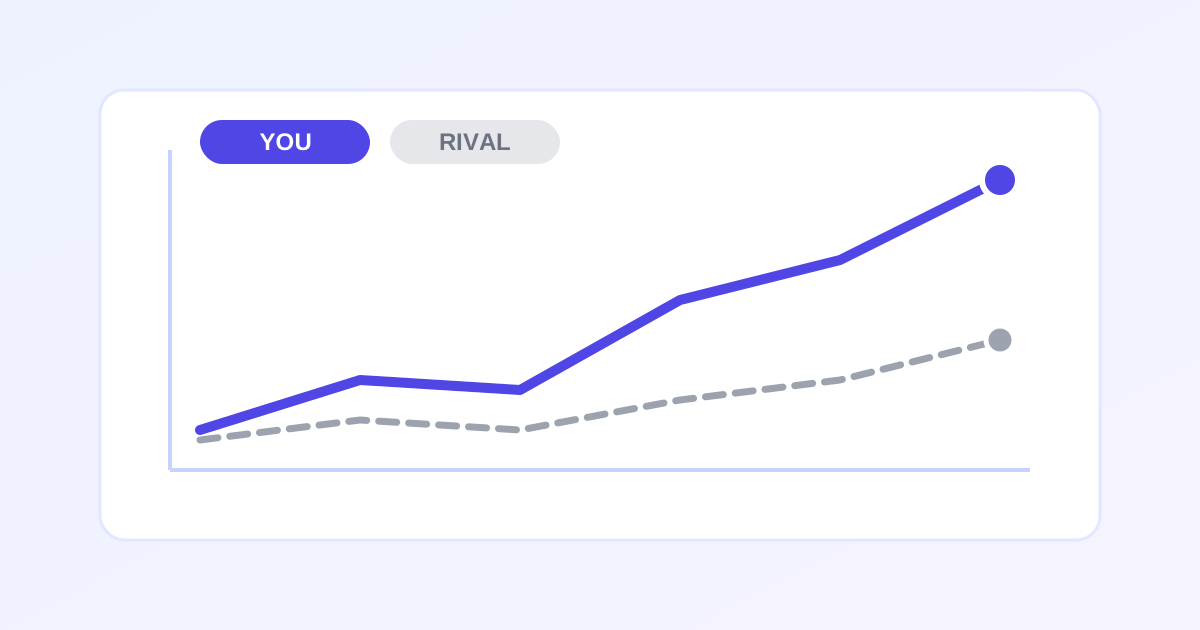
A local competitor tracker is a free online tool that compares your business against nearby rivals on the metrics that drive Google Maps visibility. Enter ratings, review counts, photos, categories and posting activity for up to 5 competitors, and this tracker builds a side-by-side table plus an automatic gap analysis showing what to fix first.
Know exactly where you stand against local rivals
Enter your business and up to 5 competitors (name, rating, reviews, photos, category, posting activity). The tool builds a side-by-side comparison and an automatic gap analysis telling you what to fix first.
Honest note: all data here is entered by you - this tool analyzes what you type, it never scrapes Google Maps. Numbers come from each business's public profile, which you can verify yourself.
Your business
Competitors
| Name | Maps URL | Rating | Reviews | Photos | Category | Posts/mo | Q&A |
|---|
Honest notes
- User-entered data only. We have no access to Google Maps - every number here is typed in by you. Double-check figures against the live public profiles.
- Tips are rule-based, not AI magic. Gap analysis compares your numbers to each competitor's using fixed thresholds; it highlights the biggest numerical gaps, not a ranking guarantee.
- Keep it fresh. Competitor numbers drift - re-check the public profiles monthly and update the table.
How to use the Competitor Tracker in 5 steps
- Enter your own business metrics: rating, reviews, photos, category, posts, Q&A.
- Add up to 5 competitors, copying numbers from their public Google profiles.
- Review the side-by-side comparison table.
- Read the gap analysis and fix the biggest gaps first.
- Update the numbers monthly and export a CSV for reports.
How can I track my local competitors on Google Maps for free?
Open each competitor’s Google Business Profile in Maps or Search and note their star rating, review count, photo count, primary category, posting activity and Q&A count. Enter those numbers here alongside your own, and the tool builds a side-by-side comparison with an automatic gap analysis that tells you which weaknesses to fix first.
All numbers come from public profiles, so you can verify every figure yourself. Because nothing is scraped, the data stays reliable and within Google’s terms of service.
What metrics matter most in local competitor analysis?
Review count and velocity, star rating, photo quantity, primary category accuracy and posting frequency are the metrics SEOs watch most closely, because they correlate strongly with local-pack visibility. This tracker compares all of them at once and flags the biggest gaps first, so you spend effort where it moves the needle instead of guessing.
Also watch Q&A activity and posting cadence: an active competitor publishing weekly posts and answering questions signals a listing Google rewards with visibility.
Frequently asked questions
Is this competitor tracker really free?
Yes - track up to 5 competitors with unlimited edits, no signup, no paywall. Everything is stored in your browser's localStorage.
Does it scrape Google Maps automatically?
No. You enter each competitor's numbers from their public profile (rating, review count, photo count, etc.). The tool compares and analyzes - it never scrapes, which keeps it reliable and within Google's terms.
Where do I find a competitor's numbers?
Open their Google Business Profile in Google Maps or Search: the star rating and review count are at the top, photos under the Photos tab, posts under Updates, and Q&A in its own section.
How does the gap analysis work?
It compares each of your metrics against every competitor using fixed rules - for example, a competitor with 2× your reviews triggers a review-campaign tip. The biggest gaps are listed first.
Can I use this for client reports?
Yes. The comparison table is a clean, client-friendly snapshot - take a screenshot or print the page for a report, or click "Download CSV" under the competitors table to export every business and metric as a spreadsheet.
How do I delete a competitor?
Click the × button on their row in the competitors table. Your business data is separate and never deleted by that button.