
How to Make a Passport Photo at Home Free (Official Sizes)
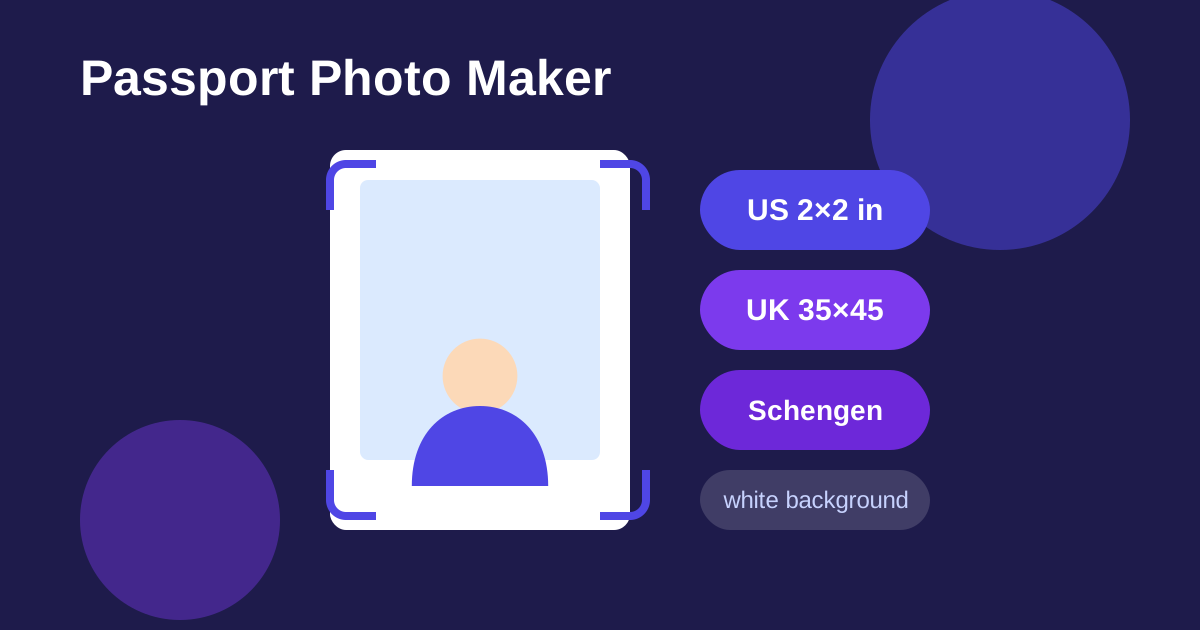
Photo studios charge a surprising amount for what is essentially a headshot against a white wall. Passport Photo Maker from ZeroFee Tools lets you produce correctly sized ID photos at home: upload a selfie-style photo, pick your country's preset, get an AI-cut white background, and download a print-ready image, free, with no signup. It covers the common standards: US 2x2 inch, UK 35x45 mm, and Schengen 35x45 mm.
Can I take my own passport photo at home?
Yes. Authorities accept any photo that meets their technical specs (size, plain background, recency, neutral expression), regardless of where it was taken. Upload a well-lit, front-facing photo to the Passport Photo Maker, pick your country's preset, and download a correctly sized image with a clean white background.
Stand against a plain wall in daylight and keep a neutral expression.
What size is a US passport photo?
US passport photos must be 2x2 inches (51x51 mm), showing your head centered and sized correctly against a plain white background. UK and Schengen ID photos use 35x45 mm instead. The tool's presets match these official dimensions automatically, so you skip the measuring and cropping math.
Print at a pharmacy or on photo paper for the sharpest official submissions.
It covers the common standards - US 2×2 inch, UK 35×45 mm, and Schengen 35×45 mm - and is handy for passports, visa applications, driving licences, and any ID that needs a formal headshot. Everything runs in your browser, which matters when the photo shows your face.
How to make your passport photo
- Upload a clear photo of yourself - face the camera directly, with your full head and shoulders visible. Drop the file on the page or click to browse.
- Pick your size preset (US 2×2, UK, or Schengen) so the output matches your authority's dimensions.
- Enable the white-background option (recommended - most authorities require it). The AI cuts you out and places you on pure white. Note: the first use downloads a ~40 MB model, and if it ever fails, the tool keeps your cropped photo as-is rather than failing silently.
- Click Generate passport photo and review the result - check framing, background, and that nothing looks distorted.
- Download the finished photo. Not happy with your expression? Make another retakes the whole process with a new upload in seconds.
5 practical tips
- Use even, frontal lighting. Stand facing a window in daylight - harsh side light creates shadows that ID authorities reject.
- Keep the background simple even before AI. A plain wall behind you gives the cutout model the cleanest edge; patterned curtains are its enemy.
- Follow the expression rules. Most authorities want a neutral expression, mouth closed, eyes open and looking at the camera. A great technical photo still gets rejected for a big smile.
- Do not over-edit. Skip beauty filters and heavy retouching - many passport rules explicitly forbid altered photos.
- Print at a photo shop for best results. Home printers often shift colors and sizes; a print shop can produce the exact dimensions on proper photo paper for pennies.
FAQs
Will authorities accept a homemade passport photo?
Authorities accept any photo that meets their technical specs (size, background, recency, expression) regardless of where it was taken. The presets match official dimensions, but always double-check your specific authority's current rules before submitting.
Which sizes are supported?
US 2×2 inch, UK 35×45 mm, and Schengen 35×45 mm presets are built in.
Is my photo uploaded anywhere?
No - the photo stays in your browser from upload to download, which is exactly how you want identity photos handled.