
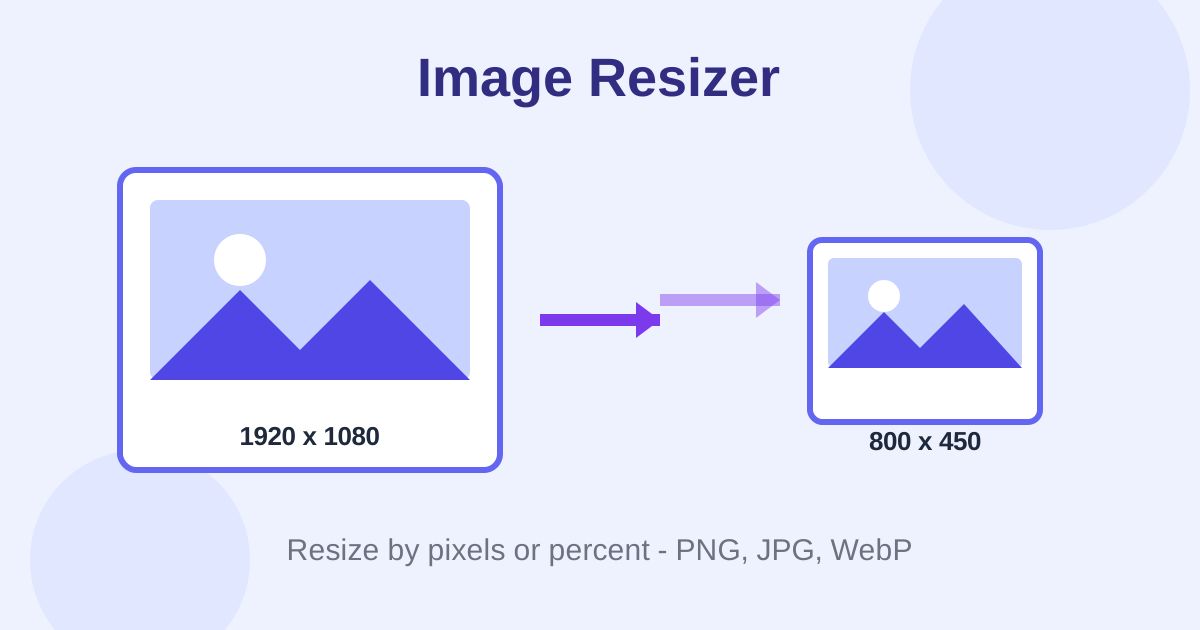
Image Resizer is a free online tool that changes the dimensions of JPG, PNG, WebP and other images right in your browser. Resize by exact pixels or by percentage, lock the aspect ratio to prevent stretching, pick PNG, JPG or WebP output with a quality slider, and download with no signup and no watermark.
Drop an image here or click to browse
JPG, PNG, WebP, GIF, BMP - processed locally, never uploaded
Your browser cannot encode WebP, so WebP output is disabled. Use Chrome, Edge or Firefox for WebP.
Live preview
How do I resize an image online for free?
Upload your photo to the Image Resizer above, choose pixels or percent mode, and type the new width and height or a scale percentage. Keep the aspect-ratio lock on to avoid stretching. Pick PNG, JPG or WebP, adjust the quality slider, then click Download. The resized image is processed in your browser and never leaves your device.
Pixel mode is the right choice when you need exact dimensions, such as a 1200 by 628 social banner or a 512 by 512 profile picture. Percent mode is faster for quick scaling, like halving a huge camera photo before attaching it to an email. In both cases the live readout confirms the output size before you commit.
Will resizing make my image blurry?
Shrinking an image almost always looks clean, because you are discarding extra pixels. Enlarging is different: the browser has to guess pixels, so going far beyond the original size can look soft or blurry. For best results, resize down rather than up, and keep the quality slider at 80 percent or higher for JPG and WebP.
A common mistake is upscaling a small thumbnail for a large hero banner. If the source is 400 pixels wide and you stretch it to 1600, no tool can recover detail that was never there. Start from the highest-resolution original you have, then resize down to each size you need.
What is the best image size for a website?
Most website images work well between 1200 and 1600 pixels wide, which balances sharpness on high-density screens with fast loading. Thumbnails can be 300 to 600 pixels wide. Export as WebP at 75 to 85 percent quality for the smallest file, and use this tool's live readout to confirm the exact dimensions before you download.
Oversized images are one of the top causes of slow pages. A 4000-pixel camera photo displayed at 800 pixels wide wastes bandwidth on every visit. Resize to the display size first, then run the result through a compressor for the leanest possible file.
Can I resize without changing the aspect ratio?
Yes. Leave the lock-aspect-ratio toggle switched on and the tool updates the other dimension automatically whenever you change one. That preserves the original proportions, so faces and objects never look squished. Turn the lock off only when you want to force exact dimensions for a template or banner.
If you need a different shape entirely, crop the image first with our Image Cropper, then resize the crop to the exact pixels you need.
Frequently asked questions
Is this image resizer really free and unlimited?
Yes. No signup, no watermark, no daily caps and no locked features. Resizing runs entirely in your browser with the HTML Canvas API, so there is no server cost to throttle you on.
Are my photos uploaded to a server?
No. Your image is loaded into a canvas in your own browser and resized locally. It never leaves your device, so it cannot be stored, viewed or leaked by us.
What is the difference between resizing by pixels and by percent?
Pixel mode sets exact dimensions, which is ideal for profile pictures, favicons and templates that need a fixed size. Percent mode scales the image relative to its original size, which is faster when you just want something half as big or twice as large.
Which output format should I choose?
Choose WebP for the smallest modern file, JPEG for universal compatibility, or PNG when you need lossless quality for graphics, logos or screenshots. The quality slider applies to WebP and JPEG; PNG output is always lossless.
Does resizing reduce the file size?
Shrinking an image almost always reduces its file size, and the quality slider gives you extra control. The live readout shows an estimated output size before you download, so there are no surprises.